According to a recent study, loud music can potentially result in high energy, emotion and lots of excitement and is therefore preferred by many. Cranking up the volume of your amazing headphone can potentially make your experience with music more enjoyable, increasing both your physical and aural sensations. There are a couple of real reasons why high-amplitude volume holds such appeal. If you didn’t know, there is a small organ in your inner ear known as sacculus, and is believed to have a special connection with a section of your brain associated with the response to excitement and pleasure. According to research, this particular organ highly sensitive to low-frequency vibrations of over 90dB. As such, both club and live music are typically tailored to enhance sacculus stimulation. And the prospect of elevating or raising the loudness of your music raises the intensity of the whole experience. Simply put, loud music is a far much better stimulant for pleasure compared to soft music.
Apparently, there is nothing worse than being limited regarding the volume and sound quality of your headphones. If you are such individual who’s currently using an underpowered headset which requires little extra juice for sound improvement, you’ve come to right place. Today in this particular post, we are going to discuss in excruciating details, the various possible ways of enhancing the volume of your headphones. Peruse through the article and take your music experience to another level.
How to Make Your Headphones Louder with Better Quality
Take advantage of the amplifiers
All headphones are typical speakers, and this implies that they too, require an amp for volume enhancement. A significant number of audio devices come equipped with a built-in headphone amplifier. This may include tablets, computers, headsets as well as smartphones. However, bearing in mind that these audio devices are so small, it is somehow difficult to power the built in amplifier efficiently. What’s more, their miniature size reduces the overall sound performance. This significantly reduces the power output potential, a phenomenon that makes your headphone to become underpowered. Underpowered headset devices will typically have both reduced sound and volume quality. As a result, you often hear your audio distort, especially when your device is at high volume.
Read Also: 7 Best Streaming Microphone for Streaming, Gaming and Youtube
Standalone headphone amplifiers are handy sound devices that can help you eliminate the whole problem. They have sufficient power output and space to satisfy your headphones. It is imperative to note that amps are only beneficial when the energy source is relatively small to meet the power requirements of a particular headphone. A set of headphones with a high impedance of around 300 ohms will typically need a lot more energy to move its drivers. In this scenario, the prospect of using an amp will prove useful.
Apps for increasing the volume
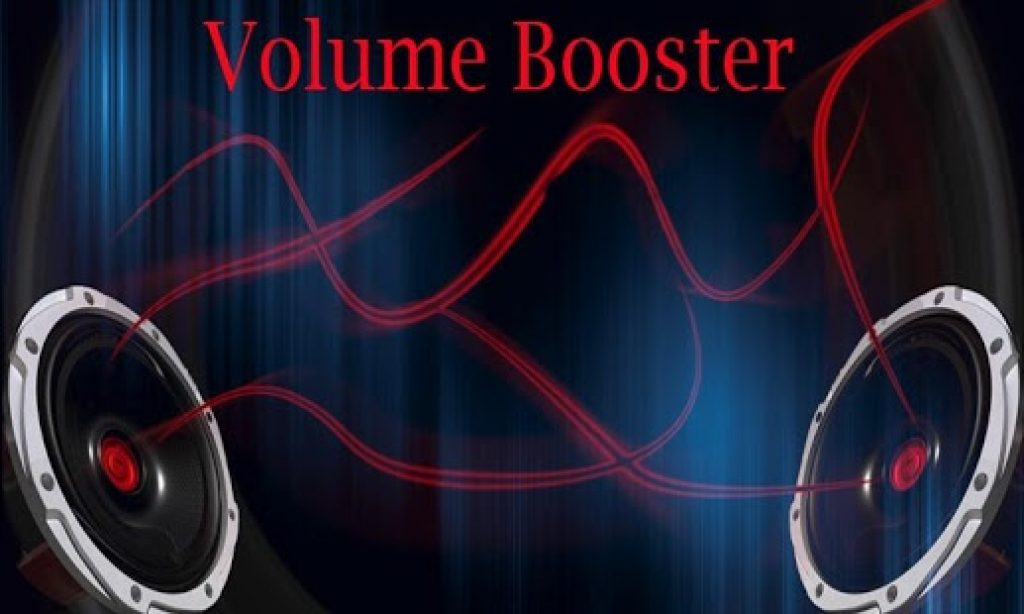
Thanks to technology, we now have a variety of incredible volume increasing applications that you can use. The first step here will be to examine the maximum volume limit on your device. Today, nearly every sound device comes already preset with audio output limitations intended to help prevent possible accidental ear damage. Third party sound apps are very efficient and can successfully improve the overall playback volume of your headphone to even something more appealing. The prospect of installing these applications will hopefully provide you with the extra juice your device requires. However, it is highly advisable that you should only use safe volumes. If you didn’t know, you could easily damage or impair your hearing permanently. For Android, the most preferred sound-improving apps may include Volume Control +, Volume Booster Pro and perhaps Ultimate Volume Booster. On the other hand, the fans of Apple devices may use SonicMax Pro, Equalizer and perhaps Volume Boost +.
Always keep your headphones clean
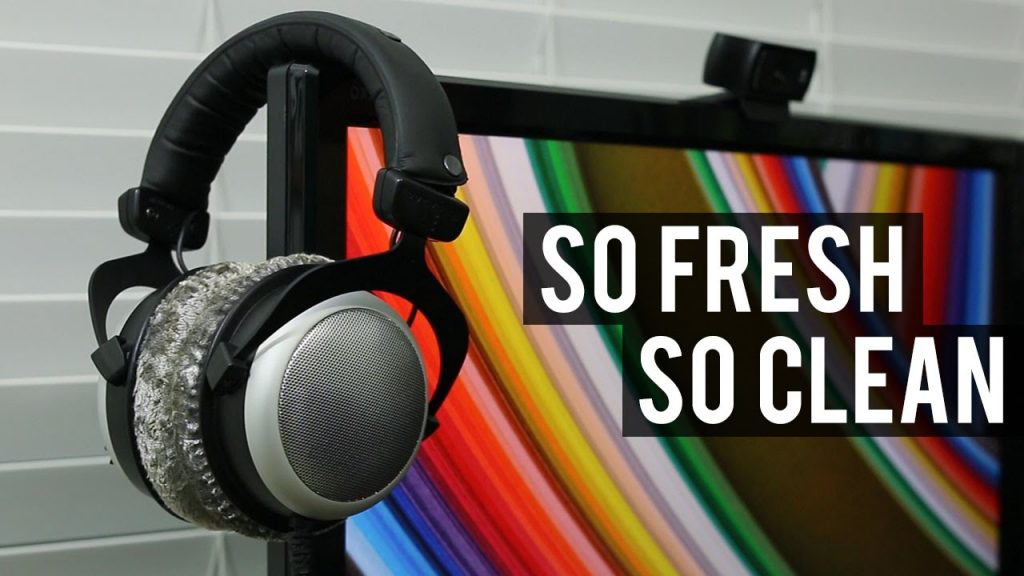
For improved hygiene and sound quality, it is highly advisable that you regularly clean your headphones. After regular and extended use, your earbuds can potentially get pretty dirty perhaps after exposing them to all the wax and oils produced by your ears. Of course, there are lots of potential ways of how to make them clean and efficient. You may wipe them down with a gentle cloth and ensure that you don’t spoil them.
Add Velour Pads and enhance the feel and sound quality of your devices.
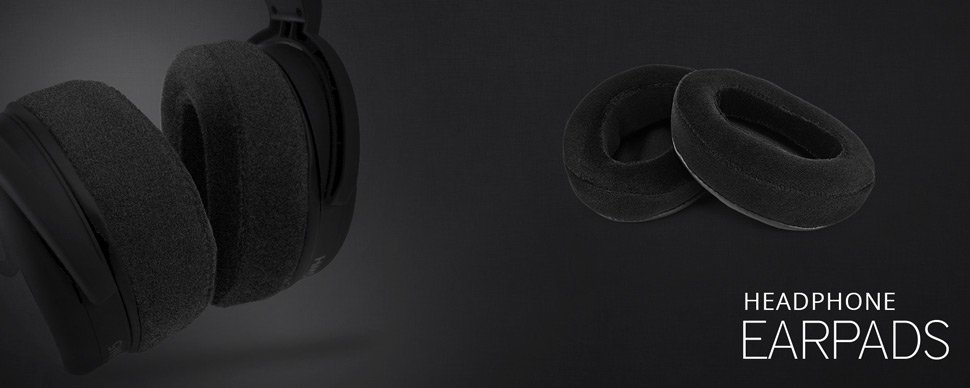
A substantial number of inexpensive headphones are often unable to produce a desirable sound quality. In fact, most of them are designed with faux leather which will always muffle the sound. However, one of the simplest methods to help increase the sound quality is to purchase velour ear pads for your underperforming headphones. You can easily replace them on your device, and you’ll have to remove the existing ear pads and replace them. This will allow you to experience the sound quality you’ve always craved for.
Make the headphones wireless by using a Bluetooth device
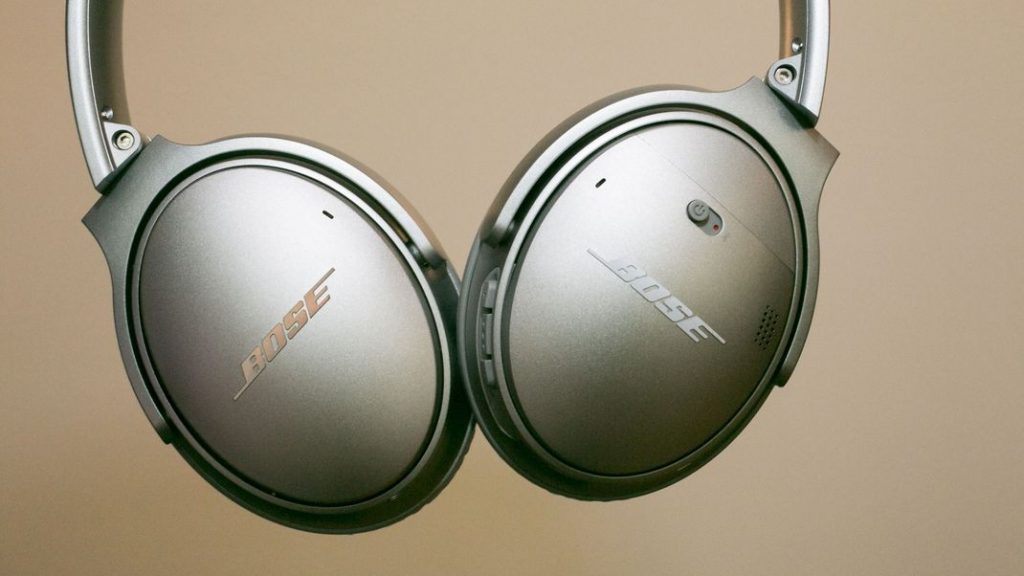
For a far much-improved sound quality, you can choose to make your headphones semi-wireless by using a Bluetooth-enabled machine, along with a Jabra Clipper. You’ll first have to plug your headphones into your Jabra Clipper and then plug that into your Bluetooth device. After successfully making this particular connection, you’ll have to go to the settings menu on your Bluetooth device and ensure that it is indeed recognized by the headphones. This will allow you to experience great and high sound quality.
How to Make Headphones Louder in Windows
Step 1: Find the Volume Icon
Look at the bottom right corner of your screen and click the little speaker icon.
Step 2: Open Sound Settings
Right-click the speaker icon and select “Open Sound settings.”
Step 3: Go to Device Properties
The sound settings window displays your output device (such as your headphones) which you should select to access its device properties.
Step 4: Adjust the Levels
A click on “Levels” will allow you to move the volume slider to the maximum position. The “Mute” button must be inactive.
Step 5: Use Loudness Equalization
Select “Enhancements” from the menu and check the box for “Loudness Equalization.” This feature enables improved audio clarity together with slightly amplified sound.
Step 6: Save Changes and Test
Click “Apply” and “OK” to save the modifications. Play a video or some music to determine if the audio has become louder.
How to Make Headphones Louder on PC
Step 1: Check the Volume
You can access the volume control by clicking on the speaker icon in your taskbar and moving the slider to 100%.
Step 2: Open the Control Panel
Open the Control Panel through Windows search bar by entering its name.
Step 3: Go to Hardware and Sound
Navigate to “Hardware and Sound” then select “Sound.”
Step 4: Check Playback Devices
Open your headphones by double-clicking on the “Playback” tab.
Step 5: Adjust Levels and Enhancements
Move the slider upward to increase the volume in the “Levels” tab within the pop-up window. Try enabling “Loudness Equalization” from the “Enhancements” section.
Step 6: Save and Test
Click “OK” to save the modifications. Check if your preferred sound plays louder by selecting any music or video of your choice.
How to Make Bluetooth Headphones Louder on Android
Step 1: Turn the Volume Up
Press the volume buttons on your phone until the volume reaches its maximum level.
Step 2: Check Bluetooth Volume
The volume control for Bluetooth devices appears separately in some phone models. Navigate to “Settings” and select either “Connected devices” or “Bluetooth.”
Step 3: Adjust Media Volume
Tap the settings button which appears alongside your headphones to confirm media volume reaches 100%.
Step 4: Use the Sound Settings
Return to “Settings” then select either “Sound” or “Sound & vibration” to proceed. Move the media volume slider to its maximum point.
Step 5: Use a Volume Booster App
Free “Volume Booster” application exists on the Play Store for you to download. The application helps increase audio volume to make music louder.
How to Make Headphones Louder Than Max Volume
Step 1: Use Equalizer Settings
To access the equalizer function in your music or video app select “Equalizer” from the settings menu. You can enhance the bass or treble output to create louder sound.
Step 2: Check Volume Limits
The volume of certain devices is restricted through safety features. Locate “Sound” within “Settings” to disable volume limits if present.
Step 3: Use a Volume Booster App
Users can benefit from additional volume through apps like “Boom 3D” for Windows and Mac devices and “Volume Booster” for Android devices.
Step 4: Use an External Amp or DAC
A compact headphone amplifier can serve as a powerful solution for greater volume enhancement. This gadget enhances audio clarity and produces louder sound from your music.
How to Make Your Headphones Even Louder with MacBook
Step 1: Use the Volume Buttons
Press “F12” on your MacBook keyboard to reach the highest volume level.
Step 2: Check Sound Settings
Navigate to the Apple logo then select “System Preferences” before choosing “Sound.” The maximum output volume must be enabled.
Step 3: Use Audio MIDI Setup
Navigate to “Applications” then “Utilities” before opening “Audio MIDI Setup.” Check your headphones then raise the volume control.
Step 4: Use a Volume Booster App
The Mac App Store provides access to “Boom 3D” which enables users to boost their MacBook audio output. The application can be downloaded through the Mac App Store after following the provided instructions.
Step 5: Check Other Apps
The volume sliders for Spotify and YouTube should also be set to the highest possible position within these apps.
How Long Can I Listen to Loud Music
According to World Health Organization, here are is a list of sound decibels and the maximum duration per week you should be listening to music at
| Sound intensity in decibels | Time for safe listening per week (7 days) | Example of type of sound at the specified intensity |
| 10dB | Unlimited | Normal breathing |
| 30dB | Unlimited | Soft whispering |
| 40dB | Unlimited | Library |
| 60dB | Unlimited | Normal conversation |
| 80dB | 40 hours | Doorbell |
| 85dB | 12h 30 mins | Heavy traffic (inside car) |
| 90dB | 4 hours | Shouted conversation |
| 95dB | 1h 15 mins | Motorcycle |
| 100dB | 20 mins | Hair dryer |
| 105dB | 8 mins | Car horn at 5 meters |
| 110dB | 2.5 mins | Shouting in the ear |
| 120dB | 12 sec | Standing near a siren |
| 130dB | <1 sec | Jackhammer |
| 140dB | 0 sec | Airplane taking off |
| 150dB | 0 sec | Firecrackers |
FAQs
Why some headphones are louder than others
The loudness of headphones depends on the size of their speakers along with their speaker strength. Bigger speakers or drivers can push out more sound. The production method of headphones together with their components and materials determines how loud and clear they sound. The method through which your headphones connect to your phone or computer also plays a role. Bluetooth headphones produce different sound quality than wired headphones because of the way sound transmission occurs. Headphones reach their loudness potential through their manufacturing design as well as their designated usage.
Can headphones be too loud on lowest setting?
Some headphones retain their ability to produce excessive sound even when users reduce the volume to its lowest setting. These headphones might have strong speakers or your device has a powerful volume setting which could result in this situation. The volume of some music applications and games often receives automatic amplification. Check your device settings for volume limits if excessive loudness remains an issue after lowering the volume.
How loud is too loud for headphones?
Headphones become too loud when they cause discomfort to your ears or when you cannot hear surrounding noises such as conversations or vehicle traffic. According to experts any sound exceeding 85 decibels will damage your hearing if you listen to it for an extended period. When your ears produce ringing sounds or buzzes or experience pain it indicates you should reduce the volume. When you cannot hear someone speaking next to you then the volume has reached an unsafe level.
What are the warning signs that you are listening to headphones at dangerous volume levels?
You should pay attention to ear fatigue and soreness together with ringing or buzzing noises after stopping the audio play. When you must raise your voice to communicate with someone who is nearby, you are listening to sound at a dangerous volume. The presence of ear-shaking or rattling sensations while listening indicates that the volume level needs reduction. When you notice any of these warning signs you should immediately reduce the volume for ear protection.
How loud are open back headphones?
Open back headphones deliver a natural and airy audio experience though they produce less volume than closed back headphones. Open back headphones allow sound to escape so you can hear your environment better. The headphones deliver perfect sound quality in peaceful settings yet their inability to block out background noise makes them less suitable for noisy environments. These headphones do not reach the highest sound levels but they deliver a wide open sound experience.
Why is one headphone louder than the other?
The headphone’s connection method determines which one plays sound louder. The headphone jack might not be completely connected to the wire or the wire could be slightly loose. Dirt and dust accumulation within the headphone port is another possible reason for the issue. When headphones receive extensive use one speaker section tends to deteriorate more quickly than the other. The problem might be resolved by checking the plug connection and ensuring it fits properly or by testing the headphones with another device to determine if the issue originates from the headphones or music player.
Can you break headphones by playing music too loud?
The small components within headphones become damaged when music is played at extremely high volumes. Speakers inside headphones create vibrations due to loud sounds which leads to wear and tear. The speakers inside headphones will eventually show decreased sound quality before they stop working completely. Playing music at high volumes creates damage to your headphones just like excessive vocal yelling damages your voice. Safe volume settings will extend the lifespan of your headphones.
The Bottom Line
Lots of over-the-ear headphone devices will have incredible sound isolation capability. This implies that you can always raise their volume without eliminating the overall audio appeal. Unfortunately, most in-ear models may come up short in this area, and this might as well force you to try and increase the volume for desirable sound quality. Thankfully, there are numerous possible ways of increasing the volume of your headphones without spending lots of cash buying alternative high-quality headphones. We have provided with proven and effective tips for making your music experience unforgettable.